LTMS Portal Meaning Explained: Your Complete Guide to Hassle-Free LTO Services
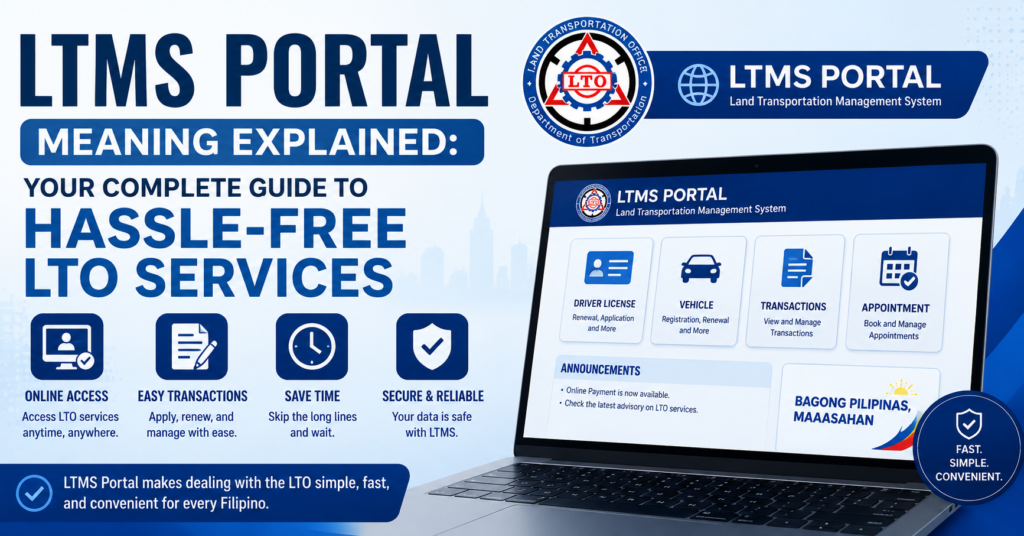
The LTMS Portal is the official online system of the Land Transportation Office in the Philippines. It stands for Land Transportation Management System. This portal lets motorists handle many LTO transactions from home. It was launched in 2020 to make services faster and easier for everyone.Many people still line up for hours at LTO branches. The LTMS Portal was built to solve this problem. You can register your vehicle, renew your license, or check violations online. This saves time, effort, and unnecessary travel.This guide will explain everything you need to know about the LTMS Portal. We will cover what it means and how it works. You will also learn how to register and use its services. By the end, you will feel confident using LTO services without stress.
LTMS Meaning in Text
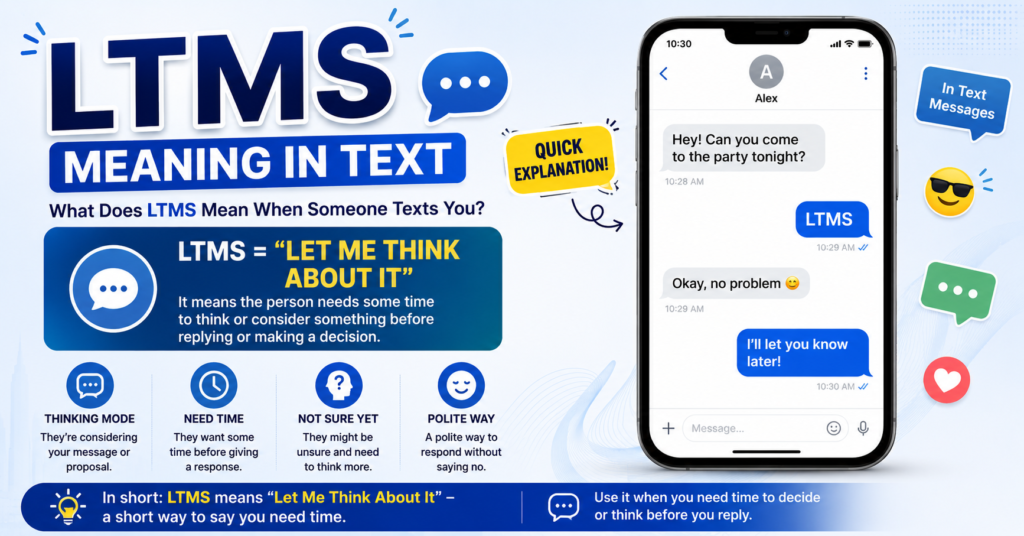
LTMS stands for Land Transportation Management System. You’ll often see it written simply as “LTMS Portal” or “LTO LTMS” in official announcements, text messages, and confirmation emails.
If you’ve received a text or email with “LTMS” in it, it usually means one of these:
- A confirmation that your account was created
- A reminder about an upcoming appointment
- A notice about a pending document or requirement
- An update on your license or registration status
In short, whenever LTMS shows up in a message, it’s connected to your official transaction with the Land Transportation Office.
What Is the LTMS Portal?
The LTMS Portal is the official online platform of the Land Transportation Office (LTO) in the Philippines. It was introduced in 2020 to bring LTO services online and reduce the need for in-person visits.
Instead of falling in line at a branch, motorists can now apply for licenses, register vehicles, and settle transactions through a single digital account. The portal is available 24/7, which means you can start a transaction any time of day, even from abroad.
At its core, the LTMS Portal acts as a digital record-keeper. It stores your license details, vehicle registration, payment history, and violation records in one place. This makes it easier to track your status and avoid unnecessary trips to LTO offices.
Key Features of the LTMS Portal
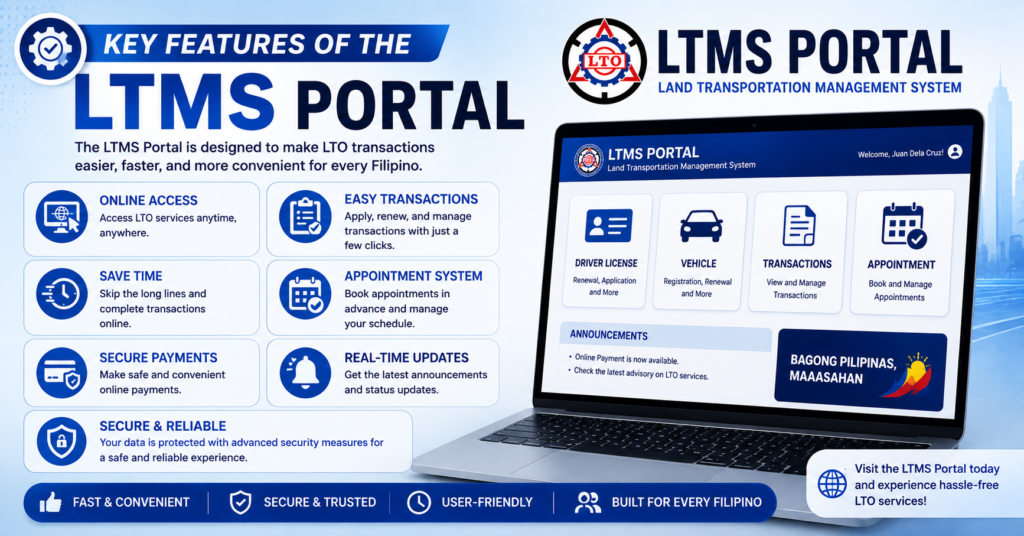
The LTMS Portal offers more than just online forms. Here’s what makes it useful for everyday motorists:
| Feature | What It Does |
|---|---|
| 24/7 Access | Log in anytime, from any device with internet |
| Digital Document Storage | View your license, receipts, and vehicle records online |
| Online Applications | Apply for or renew a license and vehicle registration |
| CDE E-Learning Modules | Complete the required driver’s education course online |
| Transaction Tracking | Check the real-time status of your application |
| Violation Records | View apprehensions and outstanding fines |
These features are designed to cut down processing time. A transaction that once took hours at a branch can now be started, tracked, and completed with far fewer delays.
How to Use the LTMS Portal
Getting started with the LTMS Portal is straightforward once you understand the basic flow. Here’s a simple step-by-step process:
- Visit the official LTMS Portal website.
- Click on the registration or sign-up option.
- Choose your registrant type — individual or organization.
- Fill out the required personal information.
- Upload the necessary documents.
- Verify your account through the email link sent to you.
- Log in and access your dashboard for available services.
Once your account is active, you can apply for a license, renew a registration, or check your transaction history without leaving home.
What You’ll Need to Register
Before you begin, prepare the following details and documents:
- A valid email address and mobile number
- Full name, birth date, and complete address
- Driver’s license number and expiry date (for renewals)
- A valid government-issued ID
- Alien Certificate of Registration number, if applicable
- Emergency contact information
Applicants must also be at least 17 years old to register for a license-related transaction. Having these ready beforehand helps you avoid delays during the sign-up process.
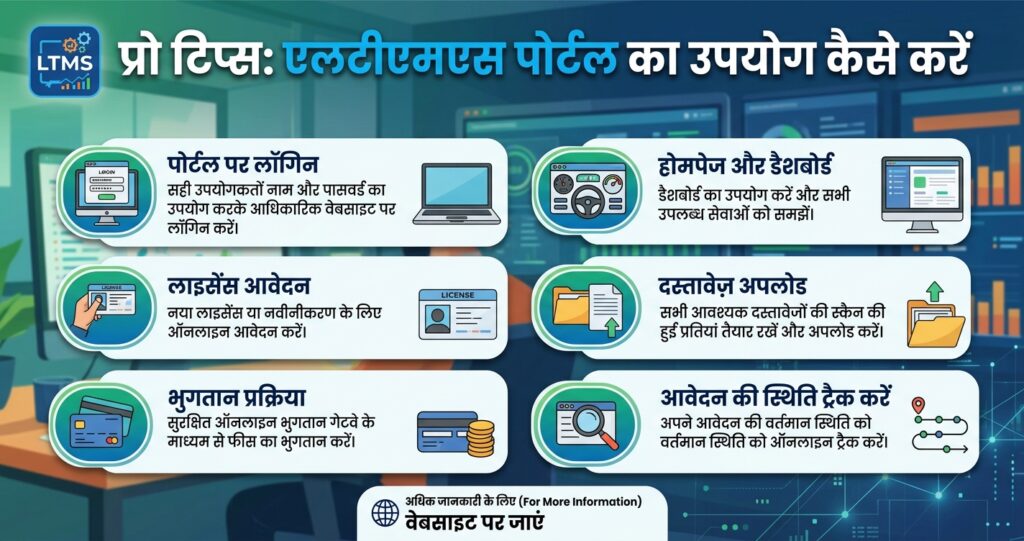
Pro Tips for Using the LTMS Portal
A few small habits can make your LTMS experience smoother:
- Use a personal email you check often. Verification links and updates are sent there.
- Double-check your details before submitting. Errors can delay your application.
- Book appointments mid-week. Weekday slots often have more availability than weekends.
- Keep digital copies of every confirmation. Screenshot receipts, booking slips, and payment records.
- Avoid fixers. The LTO has repeatedly warned against third parties who claim to speed up transactions for a fee.
- Check the portal regularly. Fees, requirements, and schedules can change throughout the year.
Following these habits reduces the chance of running into errors or missed steps later on.
Challenges You Might Encounter
The LTMS Portal has made LTO transactions easier, but it isn’t perfect. Some common issues users report include:
- Slow loading times during peak hours
- Limited appointment slots in certain branches
- Verification emails landing in spam folders
- Confusion over which LTO offices process LTMS transactions
- Occasional system downtime during maintenance
Most of these issues are temporary. Patience, along with double-checking your account details, usually resolves them. If a problem persists, the portal’s support or contact page is the safest way to get help — never through unofficial fixers or third-party agents.
Get Ready with DriveSafe PH
Before you can complete certain LTMS transactions, such as applying for a driver’s license, you’re required to finish a driver’s education course. This is where DriveSafe PH comes in.
DriveSafe PH helps aspiring and renewing drivers prepare for the requirements tied to the LTMS Portal, including the theoretical and practical knowledge needed to pass LTO evaluations with confidence.
Why Choose DriveSafe PH?
- Structured lessons that align with LTO’s driver education requirements
- Flexible schedules for students, professionals, and first-time applicants
- Experienced instructors who guide you through both theory and road readiness
- Clear, simple materials that make the learning process less overwhelming
Preparing with a reliable program like DriveSafe PH means you walk into your LTMS transaction already confident, instead of scrambling to meet requirements at the last minute.
Conclusion
The LTMS Portal has genuinely changed how Filipinos deal with the LTO. What once took hours of queuing can now be started, tracked, and often completed from your phone or computer. Understanding what LTMS means, knowing what to prepare, and following a few simple tips can save you time, money, and unnecessary stress.
Whether you’re renewing a license, registering a vehicle, or checking your record, the portal puts control back in your hands. Pair that with proper preparation — like completing your driver’s education through a program such as DriveSafe PH — and your next LTO transaction can be truly hassle-free.
Frequently Asked Questions
What does LTMS stand for?
LTMS stands for Land Transportation Management System, the official online platform of the LTO.
Is the LTMS Portal free to use?
Yes, creating and using an LTMS account is free. Only specific services, like exams or certificates, may carry separate fees.
Can I complete my entire LTO transaction online through LTMS?
Not entirely. Most transactions require a final branch visit, but LTMS lets you apply, upload documents, and book your appointment online first.
Do I need to take an online course before getting a license?
Yes, new applicants must complete the Comprehensive Driver’s Education (CDE) course through the portal before a license is issued.
What if I forget my LTMS Portal password?
Use the “Forgot Password” option on the login page to reset it through your registered email address.
Is the LTO Portal the same as the LTMS Portal?
They refer to the same system. “LTO Portal” is the common name, while “LTMS Portal” is its official technical name.